Approvals in Microsoft Dynamics 365 Business Central
Approvals move at the speed of Microsoft Dynamics 365 Business Central. With SpendHound’s Microsoft Dynamics 365 Business Central integration, admins and app owners receive real-time alerts for every step of the approvals process—from request submission to final decision. Fully synced with SpendHound, so you can track progress, reduce bottlenecks, and keep requests moving without ever leaving Microsoft Dynamics 365 Business Central.

Add to Microsoft Dynamics 365 Business Central
.webp)


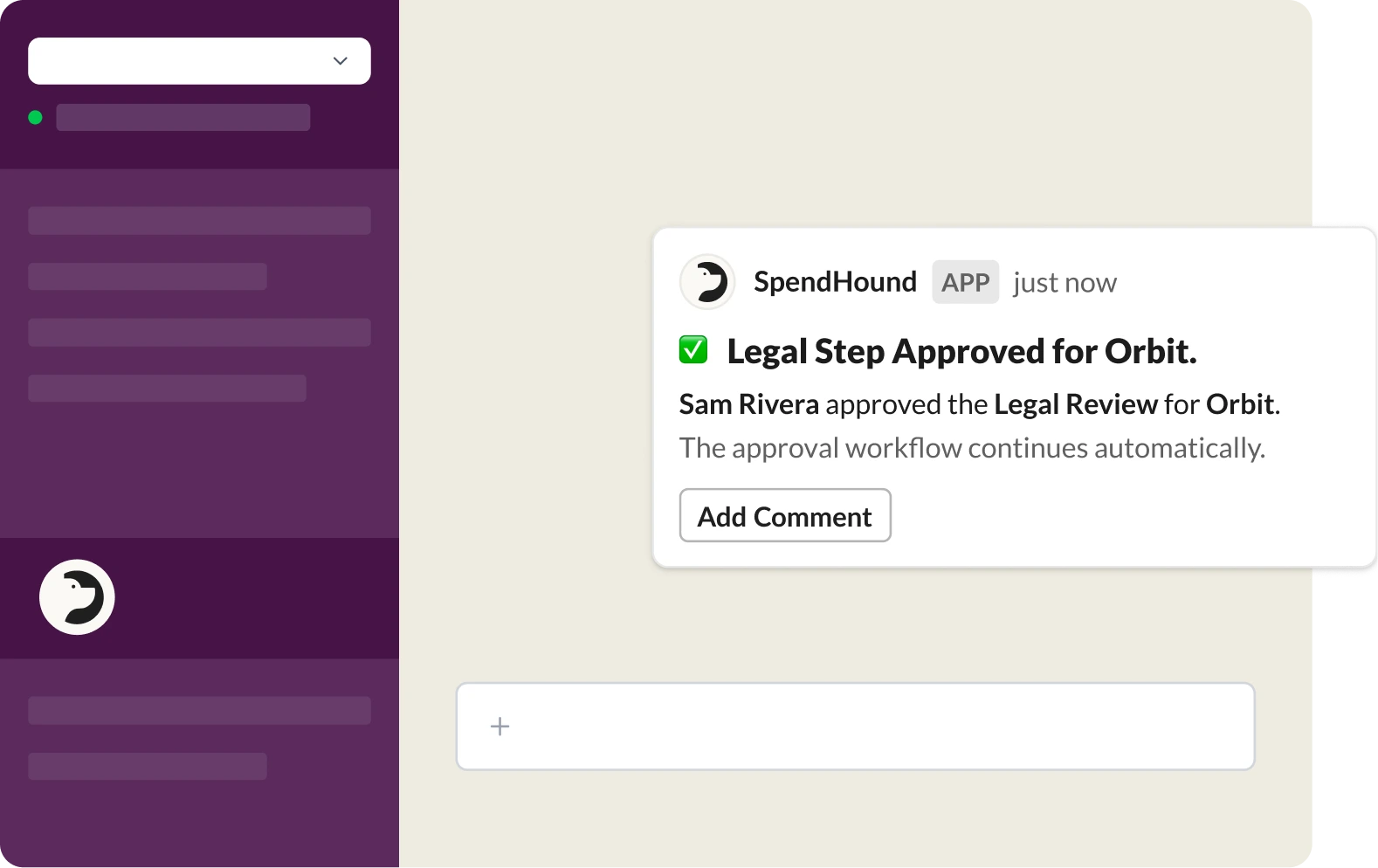
Get updates and take action, right where work happens
We bring important updates into Microsoft Dynamics 365 Business Central, so your team never has to chase them down. Approvals, status changes, and key actions show up instantly in the channels they already live in. No extra tabs, no extra logins.
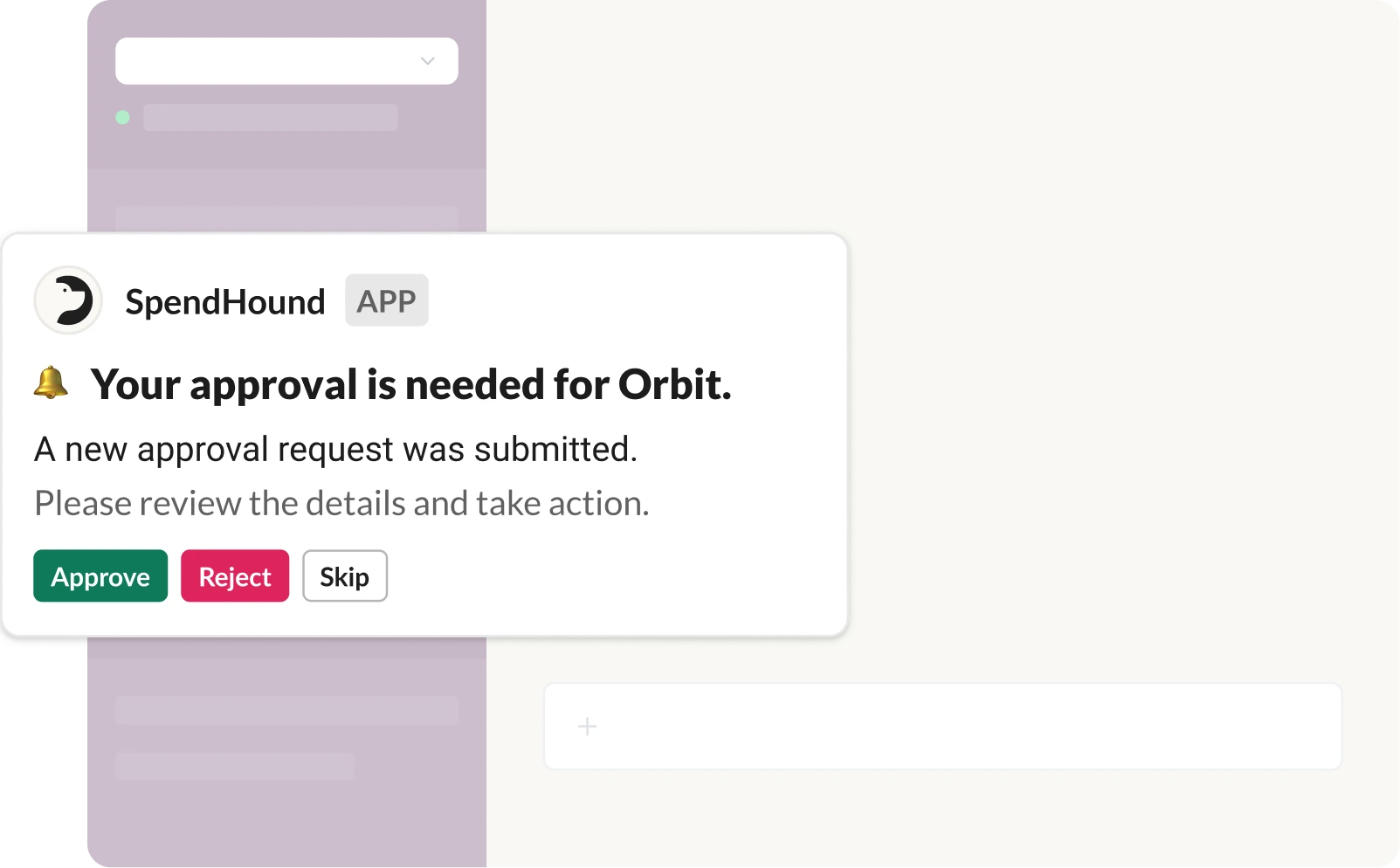
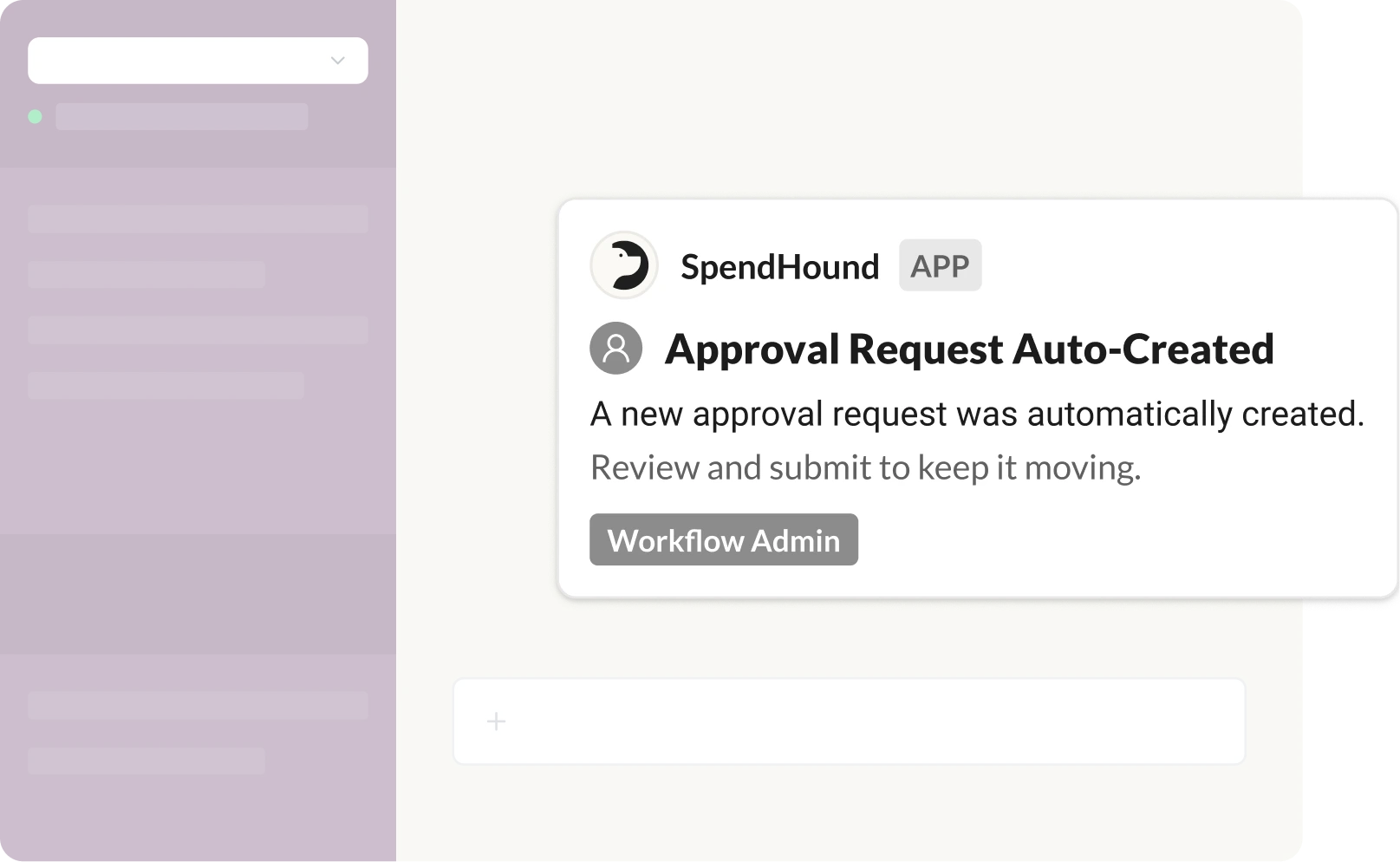
Role-based notifications, delivered to the right people
Notifications are automatically routed based on roles, so every update reaches the right people. With role-based delivery, updates stay targeted and never get lost in the shuffle.
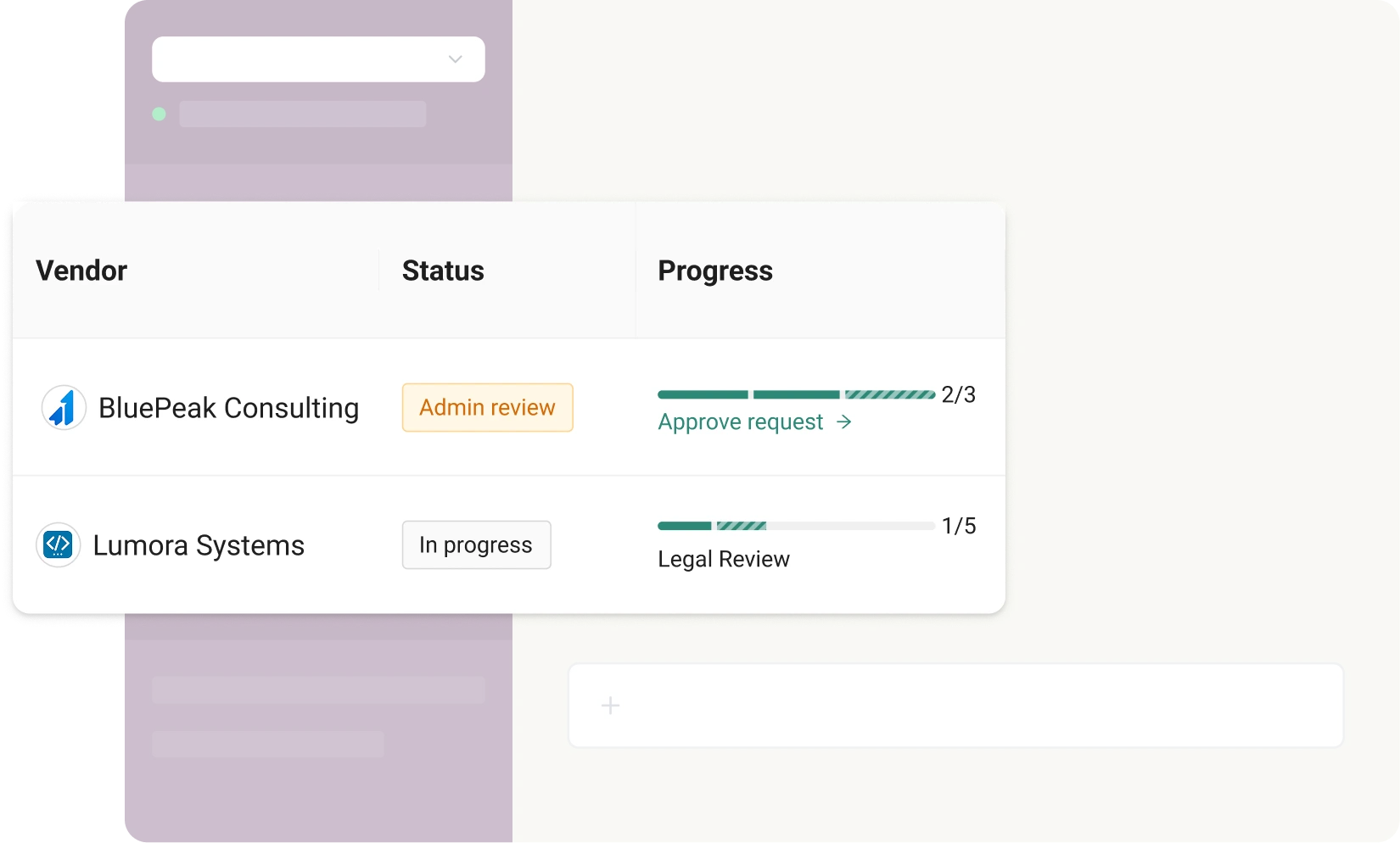
Keep approvals moving while always in sync
Keep requests moving and software purchases on track. Every notification is fully synced with Spendhound’s approval workflow, so what you see in Microsoft Dynamics 365 Business Central matches exactly what’s in the platform.
SpendHound team