Connect seamlessly, get full spend visibility
SpendHound connects directly to the ERP, billing, cloud, AI, and everyday systems your team already uses. Get full SaaS & AI spend visibility.
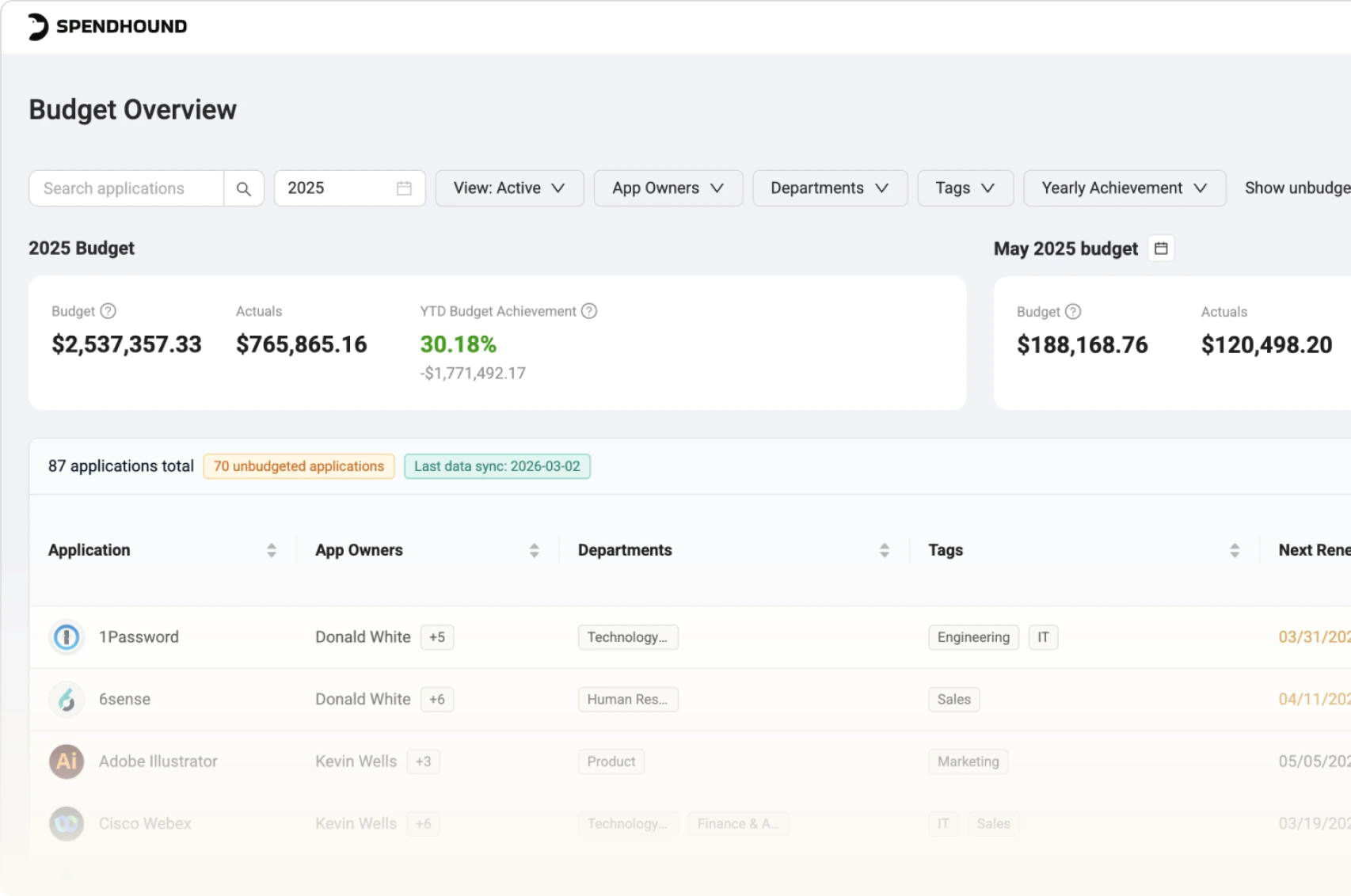
All your SaaS & AI spend, in one place

Connect your systems
Link your ERP or billing tools in a 15-minute setup call.

SpendHound pulls the data
SpendHound reads your spend data automatically, categorizing every software transaction by vendor, department, and owner.

You get visibility and leverage
See what you're spending, when contracts renew, and whether you're paying a fair price.
Featured integrations
SpendHound connects to the systems you already run on.









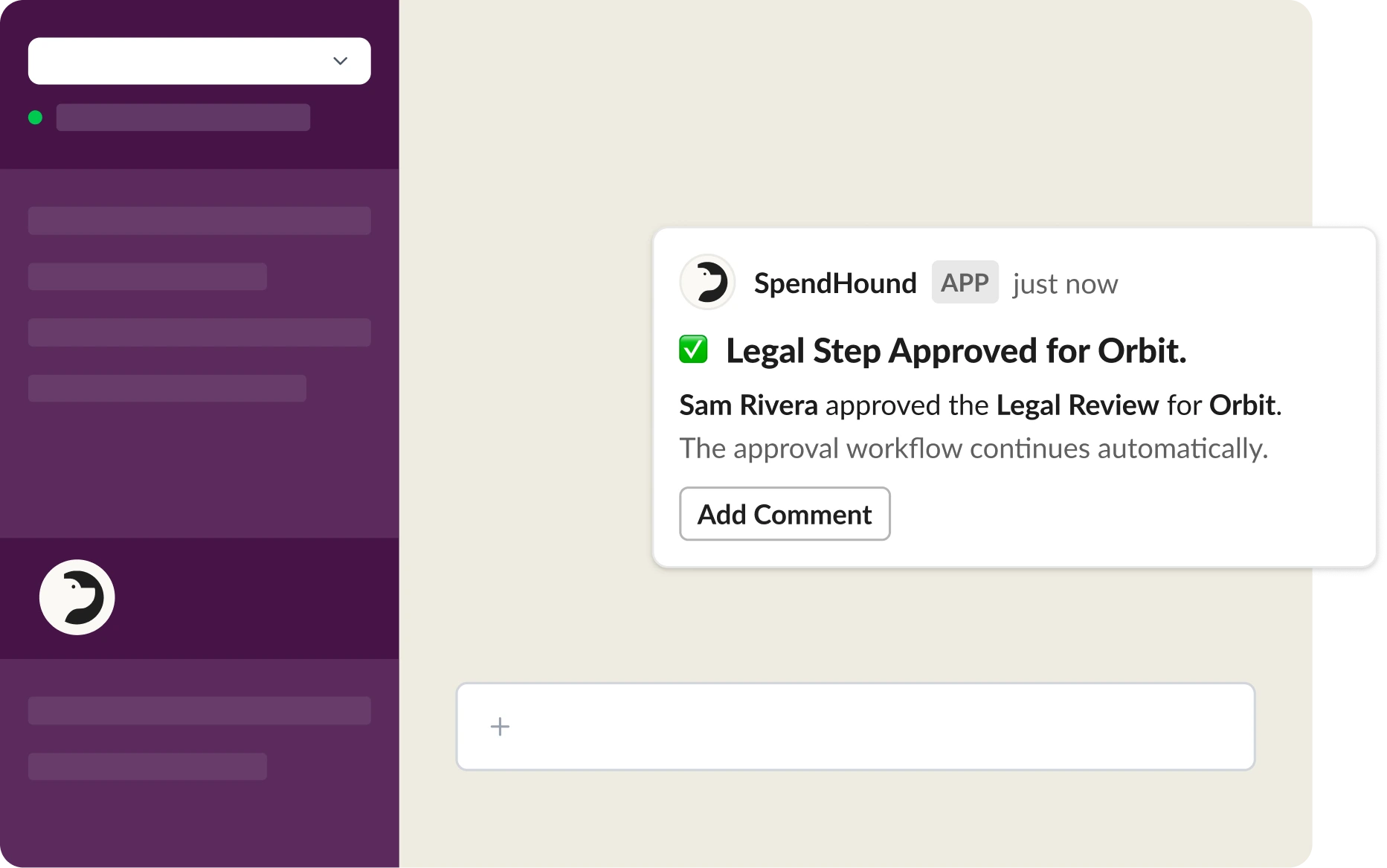
SpendHound works where your team already does
Connect SpendHound to Slack and get renewal alerts and approval notifications delivered directly to your team.
- Customizable renewal alerts, including standard 30, 60, and 90 days. Right in Slack.
- Approval workflows that don't require switching platforms.
6 AI Providers
Connected via API
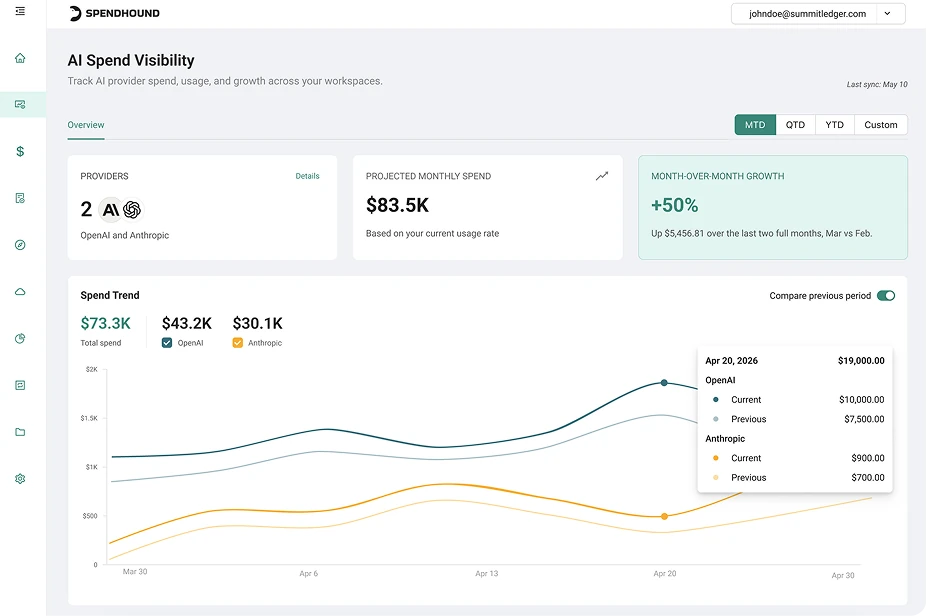
See and optimize all your AI spend
SpendHound connects directly to Anthropic, OpenAI, ChatGPT Enterprise, Cursor, Amazon Bedrock, and Gemini/GCP to surface AI usage and costs in one place.
- Track model-level spend and token consumption, with user and team views where providers support them, and use daily actuals to budget and forecast.
- See where AI dollars are going before costs get out of control.

Your data doesn't go anywhere it shouldn't
SpendHound connects to your systems in read-only mode, so you can see all your spend data. We don't touch anything else.

Data encrypted in transit and at rest
All data transferred between your systems and SpendHound is encrypted in transit and at rest.

SOC 2 compliant
SpendHound is SOC 2 Type II certified. Audit documentation available on request.

De-identified benchmark data
The spend data you contribute to SpendHound's benchmark dataset is de-identified and aggregated. Individual transaction data is never shared with other customers.
Your questions, answered
What ERP and accounting systems does SpendHound integrate with?
SpendHound connects with NetSuite, QuickBooks Online, Sage Intacct, Microsoft Dynamics 365, Oracle Fusion Cloud, Rillet, Campfire, and more. If your ERP isn't on the list, request an integration.
Can SpendHound write to or modify data in my connected systems?
No. SpendHound connects in read-only mode; occasionally it’s granted write access, but never uses it. It pulls spend and licensing data from your systems but does not write, modify, or delete anything in any tool you connect.
Does connecting Okta or my SSO provider give SpendHound access to user credentials or passwords?
No. SpendHound uses your SSO provider to read application usage data: which users are logging into which tools, and how often. It does not access passwords, authentication tokens, or any identity data beyond usage activity.
How does SpendHound handle the data I share through integrations?
SpendHound uses de-identified, aggregated spend data to power its benchmark dataset. Your individual transaction data is never shared with other customers or sold to third parties. You can read more about our methodology here.
What happens to my data if I disconnect SpendHound?
If you disconnect SpendHound, your data is no longer pulled from connected systems. Retained data handling is governed by SpendHound's data policy. Customers control the integration on their end and can disconnect the connection at any time.
How long does it take to go from integration to full spend visibility?
Most customers see their first full spend view within 7–14 days of completing their integration setup. The timeline depends on how much historical data your connected systems hold, but there's no manual work required on your end after setup.
Which cloud and AI providers does SpendHound connect to?
For cloud, SpendHound connects to AWS and Google Cloud. For AI, it connects to OpenAI API Platform, ChatGPT Enterprise, Anthropic (API and Claude Enterprise), Cursor, Amazon Bedrock, and Google Cloud AI services. Each connection needs admin access to that provider.

Book time to chat with the
SpendHound team